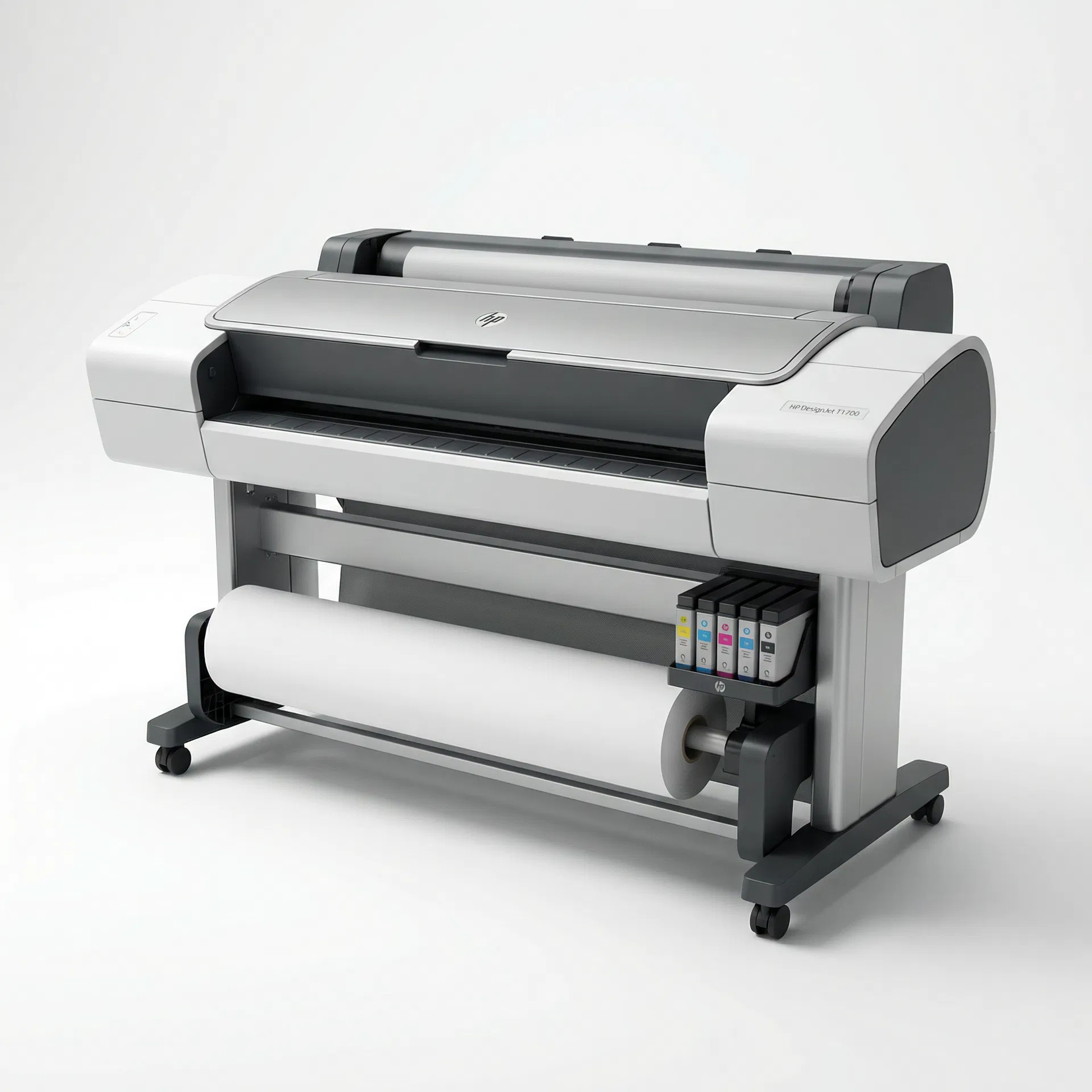
DesignJet T1700
Designed for GIS, CAD, and rendering professionals, offering powerful processing, robust security, and precise color accuracy with HP Bright Office Inks.
Video Guides
5 videosDesignjet T1700 Z6 Z9 Printhead failure
More Videos

DesignJet 100 - 130 reading error codes

Designjet T or Z series error 08:04, 08:07, 08:11

HOW TO REPLACE A0 PAPER ON HP DESIGNJET T1700 PLOTTER PRINTER

HP Designjet T1700 Paper Mismatch
Error Codes (16)
System Error: Hard Disk Drive (HDD) Malfunction
This error indicates a problem with the printer's internal hard disk drive. The HDD is used for job storage, processing, and firmware functions.
System Error: Front Panel Malfunction
This error indicates a problem with the printer's front panel display or its connection. The printer may still function, but user interaction is limited.
Ink Maintenance Cartridge Full/Missing
This error indicates that the ink maintenance cartridge (waste ink tank) is full or missing. The printer cannot operate until it is replaced or properly installed.
Ink System Error: Ink Level Sensor Malfunction
This error indicates a problem with the ink level sensor for one or more cartridges. The printer cannot accurately determine ink levels.
Service Error: System Fan Malfunction
This error indicates a problem with a general system cooling fan. Overheating could occur, leading to performance issues or damage.
Service Error: Environmental Sensor Malfunction
This error indicates a problem with an internal environmental sensor (e.g., temperature, humidity). The printer may not be able to operate optimally or safely.
Connectivity Error: Network Card Malfunction
This error indicates a problem with the printer's network interface card (NIC). The printer cannot connect to the network.
Connectivity Error: USB Port Malfunction
This error indicates a problem with one of the printer's USB ports. Devices connected to this port may not be recognized.
System Error: ASIC Failure
This error indicates a failure of an Application-Specific Integrated Circuit (ASIC) on the Main PCA. This is a critical hardware failure.
Service Error: Power-On Self-Test (POST) Failure
This error indicates that the printer failed its initial power-on self-test. A critical component is not functioning, preventing the printer from booting.
Service Error: Watchdog Timer Reset
This error indicates that the printer's internal watchdog timer has reset the system due to an unrecoverable software or hardware fault. The printer has crashed.
Ink System Error: Trailing Cable Malfunction
This error indicates a problem with the trailing cable that connects the carriage assembly to the main PCA. This cable transmits data and power to the printheads.
Paper Handling Error: Take-up Reel Motor Malfunction
This error indicates a problem with the take-up reel motor, which winds printed paper onto a roll. The printer cannot collect printed output.
Hardware Error: Main PCA Firmware Update Failure
This error indicates that a firmware update to the Main PCA has failed or is corrupted. The printer may not be able to boot or function correctly.
Calibration Error: Paper Axis Motor Calibration Failure
This error indicates a problem during the paper axis calibration process. The printer cannot accurately control paper movement.
Paper Handling Error: Paper Jam
This error indicates that paper is jammed within the printer's paper path. The printer cannot continue printing until the jam is cleared.
The process of adjusting the printer's color output to match a known standard, ensuring consistent and accurate color reproduction.
A method used by the color management system to handle colors that fall outside the printer's reproducible gamut.
HP 711 ink cartridges are available in black (80ml/38ml), cyan, magenta, and yellow (29ml) for DesignJet T120, T520, T125, T130, T525, and T530 printers.
HP 727 ink cartridges come in 6 colors for DesignJet T920, T930, T1500, T1530, T2500, T2530, and T3500 printers.
HP 728 ink cartridges are available in 4 colors for DesignJet T730 and T830 printers.
HP 730 ink cartridges come in 6 colors for DesignJet T1600, T1700, and T2600 series printers.